- 4K IPTV Subscription
- Blog
- Smart TV
- SAMSUNG SMART TV
SAMSUNG SMART TV
1st application: Smarters PRO IPTV application
Step 1: Access the Source:
Press the Source button on your Samsung remote to get started.
Step 2: Download IPTV Smarters Pro:
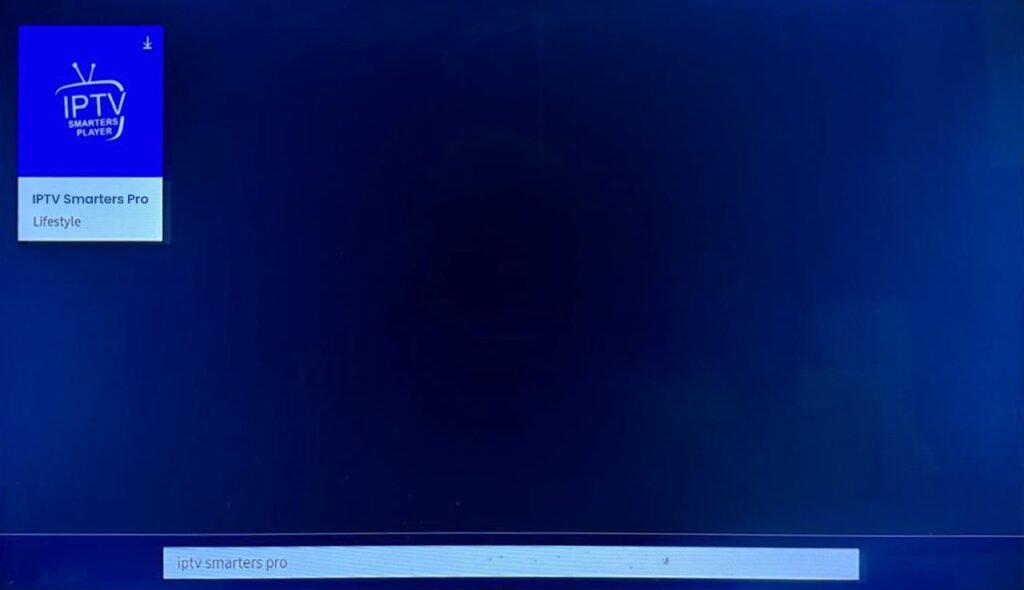
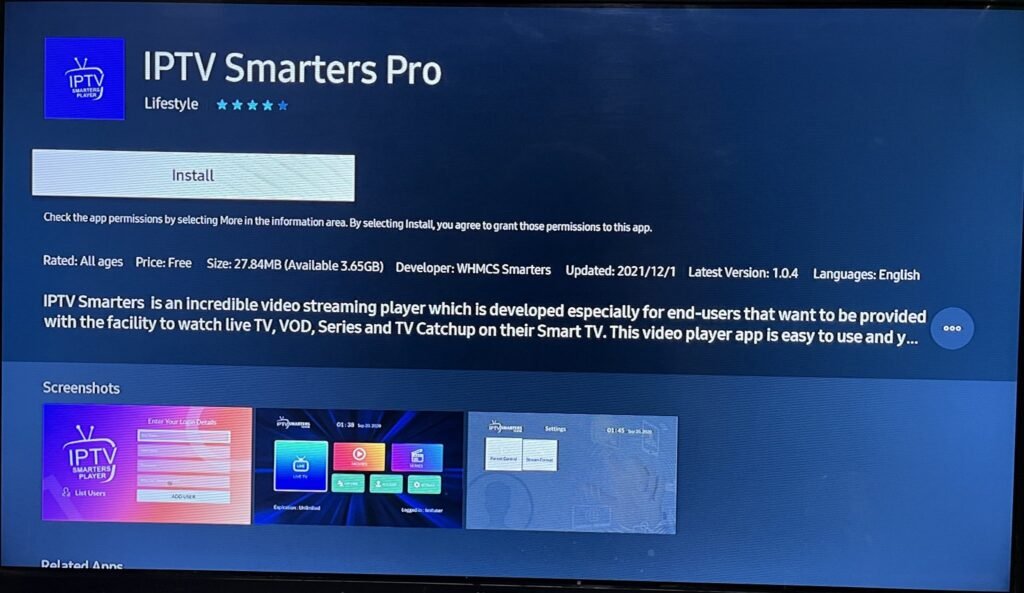
Navigate to Search and type in IPTV Smarters Pro or Smarters Player Lite to download the app.
Step 3: Log In to the App:
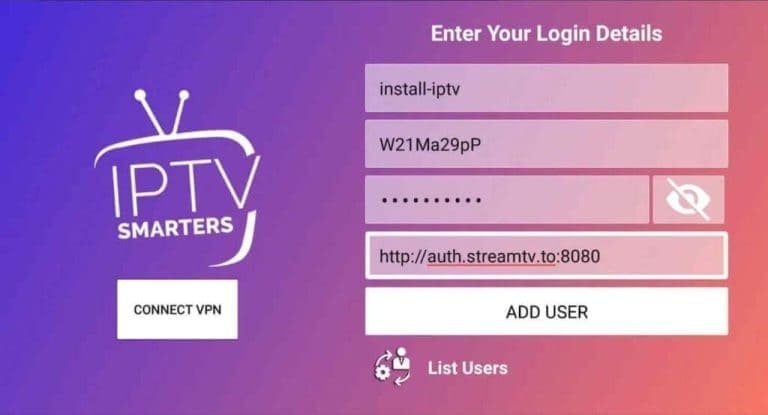
Open IPTV Smarters PRO or Smarters Player Lite and click on “Login with Xtream Codes API”.
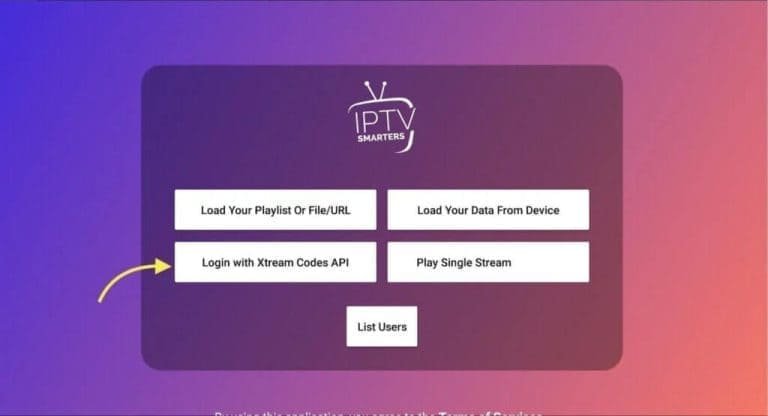
Step 4: Enter your Xtream connection details:
In the first field, choose a name for your list (it can be any name), then enter your username, password and the URL for Smarters App we provided and click ADD USER.
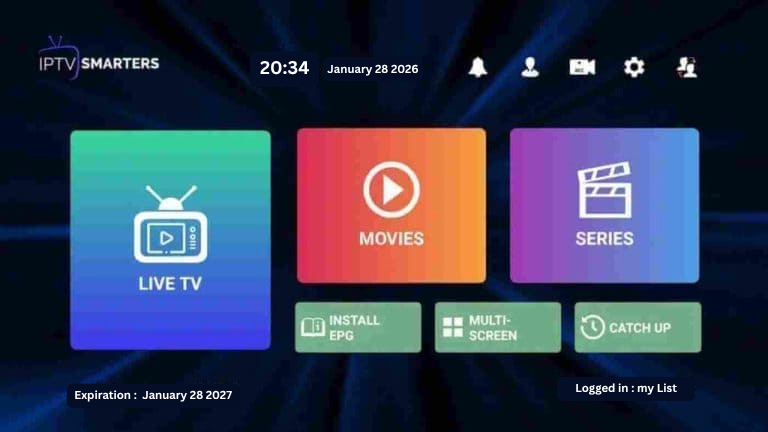
Step 5: The download of the channels and the video-on-demand offer will start after about 10 seconds, then the connection will be established and you will see this page.